The deploy process at too many companies looks like this: SSH into the production server, `cd /var/www/app`, `git pull origin main`, `npm install`, `npm run build`, restart the service, and refresh the browser to see if anything broke. If it did, you SSH back in, `git log`, `git revert`, and hope you caught the right commit.

This works until it doesn't. And when it doesn't, it fails spectacularly — a typo in a config file that takes the site down, a missing dependency that wasn't in the repo, a migration that runs against production before anyone's ready. No audit trail, no approval gate, no rollback beyond "revert and pray."

CI/CD isn't about fancy tools. It's about making deployments boring, predictable, and reversible.

## The Pipeline Structure

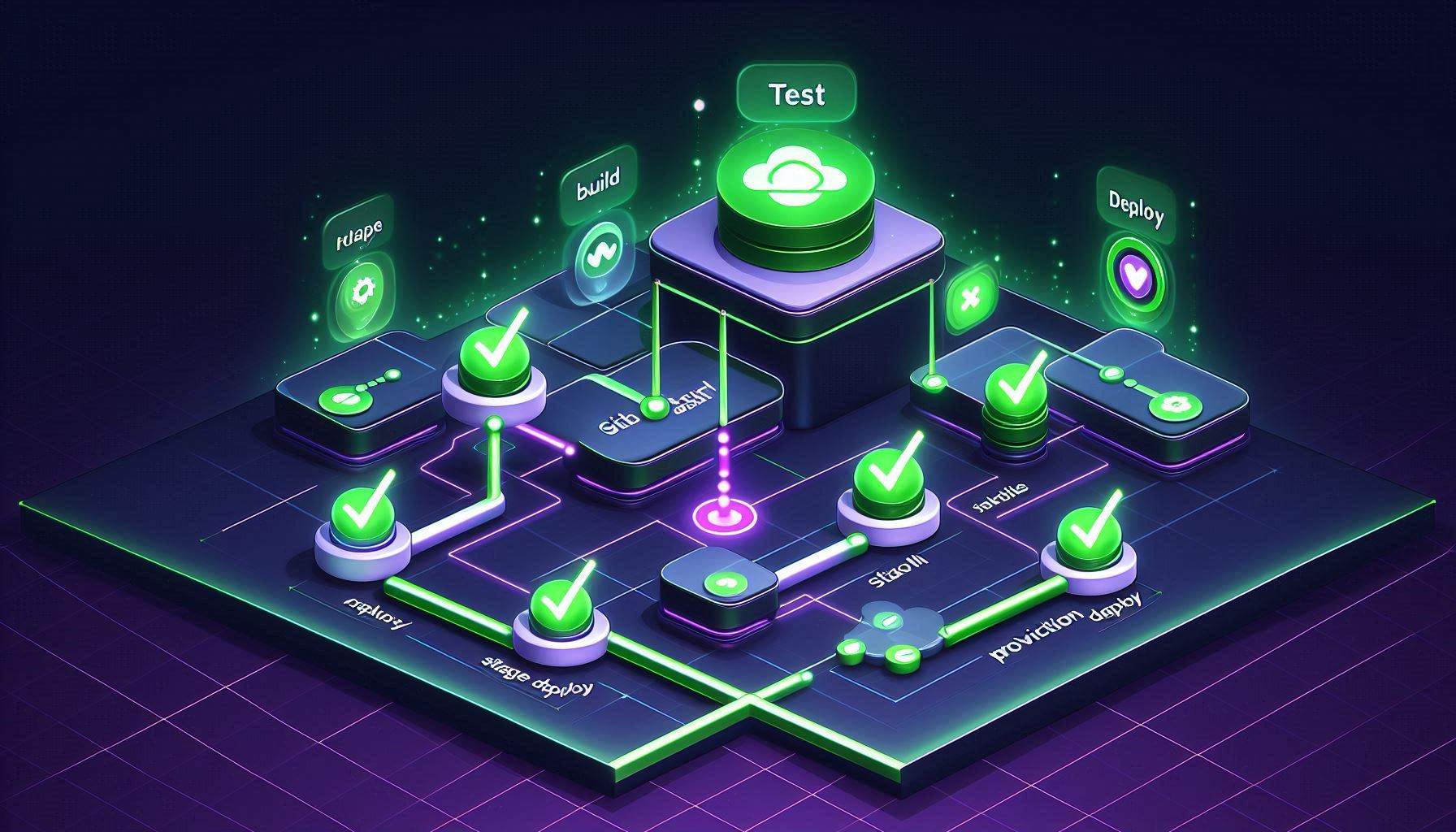
A production pipeline has four stages:

1. **Test** — run the full test suite. If anything fails, stop.
2. **Build** — create the deployment artifact (Docker image, compiled bundle, whatever ships).
3. **Deploy to Staging** — automatically deploy to an environment that mirrors production.
4. **Deploy to Production** — after staging verification, deploy with an approval gate.

Here's the GitHub Actions workflow structure:

    # .github/workflows/deploy.yml
    name: Deploy Pipeline

    on:
      push:
        branches: [main]
      workflow_dispatch:   # Manual trigger

    jobs:
      test:
        runs-on: ubuntu-latest
        steps:
          - uses: actions/checkout@v4

          - name: Set up Node.js
            uses: actions/setup-node@v4
            with:
              node-version: '20'
              cache: 'npm'

          - run: npm ci
          - run: npm run lint
          - run: npm test

      build:
        needs: test
        runs-on: ubuntu-latest
        steps:
          - uses: actions/checkout@v4

          - name: Build Docker image
            run: |
              docker build -t myapp:${{ github.sha }} .
              docker tag myapp:${{ github.sha }} myapp:latest

          - name: Push to registry
            run: |
              echo ${{ secrets.REGISTRY_PASSWORD }} | docker login -u ${{ secrets.REGISTRY_USER }} --password-stdin
              docker push myapp:${{ github.sha }}

      deploy-staging:
        needs: build
        runs-on: ubuntu-latest
        environment: staging
        steps:
          - name: Deploy to staging
            uses: appleboy/ssh-action@v1
            with:
              host: ${{ secrets.STAGING_HOST }}
              username: deploy
              key: ${{ secrets.SSH_PRIVATE_KEY }}
              script: |
                docker pull myapp:${{ github.sha }}
                docker stop myapp || true
                docker rm myapp || true
                docker run -d --name myapp \
                  --env-file /opt/myapp/.env \
                  -p 3000:3000 \
                  myapp:${{ github.sha }}

          - name: Smoke test staging
            run: |
              sleep 10
              curl -sf https://staging.yourdomain.com/health || exit 1

      deploy-production:
        needs: deploy-staging
        runs-on: ubuntu-latest
        environment: production     # Requires approval
        steps:
          - name: Deploy to production
            uses: appleboy/ssh-action@v1
            with:
              host: ${{ secrets.PRODUCTION_HOST }}
              username: deploy
              key: ${{ secrets.SSH_PRIVATE_KEY }}
              script: |
                docker pull myapp:${{ github.sha }}
                # Keep the previous version for rollback
                docker rename myapp myapp-previous || true
                docker stop myapp-previous || true
                docker run -d --name myapp \
                  --env-file /opt/myapp/.env \
                  -p 3000:3000 \
                  myapp:${{ github.sha }}

          - name: Verify production
            run: |
              sleep 15
              curl -sf https://yourdomain.com/health || exit 1

The `needs` keyword creates dependencies between jobs. `deploy-staging` won't run unless `build` succeeds. `deploy-production` won't run unless `deploy-staging` succeeds. One failed test stops the entire pipeline.

## Secrets Management

Never hardcode credentials in workflow files. GitHub provides encrypted secrets at the repository and environment level.

Go to **Settings → Secrets and variables → Actions** and add:

- `REGISTRY_USER` / `REGISTRY_PASSWORD` — Docker registry credentials
- `SSH_PRIVATE_KEY` — deploy user's SSH key
- `STAGING_HOST` / `PRODUCTION_HOST` — server addresses

Secrets are automatically masked in logs. If a secret value appears in the output, GitHub replaces it with `***`.

For cloud deployments (AWS, GCP, Azure), use **OIDC federation** instead of long-lived credentials. This generates short-lived tokens for each workflow run:

    - name: Configure AWS credentials
      uses: aws-actions/configure-aws-credentials@v4
      with:
        role-to-assume: arn:aws:iam::123456789:role/github-deploy
        aws-region: us-east-1

No access keys stored anywhere. GitHub authenticates with the cloud provider using its OIDC identity. Tokens expire after the workflow completes.

## The Approval Gate

In the GitHub repository, go to **Settings → Environments → production**. Enable:

- **Required reviewers** — specify team members who must approve before production deploy
- **Wait timer** — optional delay before deploy executes (gives time for last-minute checks)
- **Deployment branches** — restrict to `main` only

When the pipeline reaches `deploy-production`, it pauses and sends a notification to the required reviewers. They can inspect the staging deployment, check test results, and either approve or reject.

This prevents the "I accidentally merged to main and it deployed to production" scenario. Someone has to actively approve every production deployment.

## Database Migrations

The trickiest part of CI/CD is database migrations. The rule:

**Every migration must be backward compatible.**

This means the old application code must work with the new schema. Why? Because during deployment, there's a window where the old code is still running against the new database. And during rollback, the new schema must work with the old code.

Practically, this means:

- **Adding a column** — safe. Old code ignores it.
- **Removing a column** — do it in two deploys. First deploy: stop using the column in code. Second deploy: remove the column from the schema.
- **Renaming a column** — also two deploys. Add new column, migrate data, update code to use new column, then remove old column.
- **Adding a NOT NULL column** — add with a default value or make it nullable first.

Run migrations as a separate step before deploying the application:

    - name: Run migrations
      uses: appleboy/ssh-action@v1
      with:
        host: ${{ secrets.PRODUCTION_HOST }}
        username: deploy
        key: ${{ secrets.SSH_PRIVATE_KEY }}
        script: |
          docker run --rm \
            --env-file /opt/myapp/.env \
            myapp:${{ github.sha }} \
            npm run migrate

## Rollback

A deployment pipeline without rollback is a deployment prayer.

Create a separate rollback workflow:

    # .github/workflows/rollback.yml
    name: Rollback Production
    on:
      workflow_dispatch:
        inputs:
          version:
            description: 'Git SHA to rollback to'
            required: true

    jobs:
      rollback:
        runs-on: ubuntu-latest
        environment: production
        steps:
          - name: Rollback production
            uses: appleboy/ssh-action@v1
            with:
              host: ${{ secrets.PRODUCTION_HOST }}
              username: deploy
              key: ${{ secrets.SSH_PRIVATE_KEY }}
              script: |
                docker pull myapp:${{ github.event.inputs.version }}
                docker stop myapp || true
                docker rm myapp || true
                docker run -d --name myapp \
                  --env-file /opt/myapp/.env \
                  -p 3000:3000 \
                  myapp:${{ github.event.inputs.version }}

          - name: Verify rollback
            run: |
              sleep 15
              curl -sf https://yourdomain.com/health || exit 1

Trigger it manually from the Actions tab, input the SHA of the last known good version. The approval gate still applies.

**Critical:** test your rollback process regularly. An untested rollback is not a rollback — it's a hope. Run a rollback drill quarterly. Deploy a known version, roll back, verify.

## The CI/CD Maturity Progression

If you're currently at "SSH and git pull," don't try to build the full pipeline in one day. Progress through these stages:

**Stage 1:** Automated tests in GitHub Actions. Tests run on every push. You still deploy manually, but you know the code passes tests before you do.

**Stage 2:** Automated staging deploys. Code that passes tests is automatically deployed to staging. You manually deploy to production.

**Stage 3:** Production approval gates. Staging works, you've built confidence. Add the production deploy with manual approval.

**Stage 4:** Monitoring and rollback. Add health checks, deployment verification, and a tested rollback process.

Each stage builds on the previous one. Don't skip stages. The confidence you build at each level is what makes the next level safe.

---

If you found this guide helpful, check out our other resources:

- [Docker Networking Explained](/devops/docker-networking-bridge-host-overlay-explained)
How to Build a Production CI/CD Pipeline with GitHub Actions — Staging, Secrets, and Rollback

By banditz
Monday, April 20, 2026 • 6 min read
Step-by-Step Guide
1
Set up the workflow structure with stages
github/workflows/deploy.yml. Define jobs for test, build, deploy-staging, and deploy-production. Use needs to chain dependencies so deploy only runs if tests pass. Use on push branches main for automatic deployment and workflow_dispatch for manual triggers.
2
Add automated tests that block deployment
The test job runs your test suite. If tests fail the entire pipeline stops. No code reaches staging or production without passing tests. Include linting, unit tests, and integration tests. Use service containers for database tests.
3
Deploy to staging automatically
After tests pass automatically deploy to staging. Use SSH action or cloud provider CLI to deploy. Staging should mirror production configuration. Run smoke tests against staging after deploy to catch environment-specific issues.
4
Gate production deploys with manual approval
Use environment protection rules in GitHub. Create a production environment with required reviewers. The deploy-production job waits for manual approval before executing. This prevents accidental production deploys and gives the team time to verify staging.
5
Implement rollback strategy
Tag every successful production deploy. Store the previous version reference. Create a rollback workflow that deploys the previous version. Keep at least 3 previous versions available. Test the rollback process regularly because an untested rollback is not a rollback.
Frequently Asked Questions
Should I deploy on every push to main?
Deploy to staging on every push. Gate production with manual approval or scheduled deploys. This gives fast feedback while protecting production. Some teams deploy to production automatically after staging tests pass which works if test coverage is high.
How do I manage secrets in GitHub Actions?
Use GitHub repository secrets or environment secrets. Never hardcode credentials in workflow files. For cloud deployments use OIDC federation instead of long-lived credentials. Secrets are masked in logs automatically.
How do I handle database migrations in CI/CD?
Run migrations as a separate step before the application deploy. Always make migrations backward compatible so the old application version works with the new schema. This allows safe rollback without schema conflicts.
What if staging and production behave differently?
They should be as identical as possible. Use the same Docker images, same environment variable structure, and same infrastructure configuration. Only values should differ not the shape. Infrastructure as code tools help enforce this.
Topics